systemd Status Notifier
A Bash script that reports when a systemd service fails: by e-mail, Slack, Mattermost, PagerDuty, Pushover or SMS, alone or in any combination.
Since
2022
Licence
MIT
Technologies
The Challenge
When a systemd service fails, you often notice only when something else stops working. Large monitoring systems are often too much for single servers, and every channel, whether e-mail, chat or pager, has to be addressed differently.
The Solution
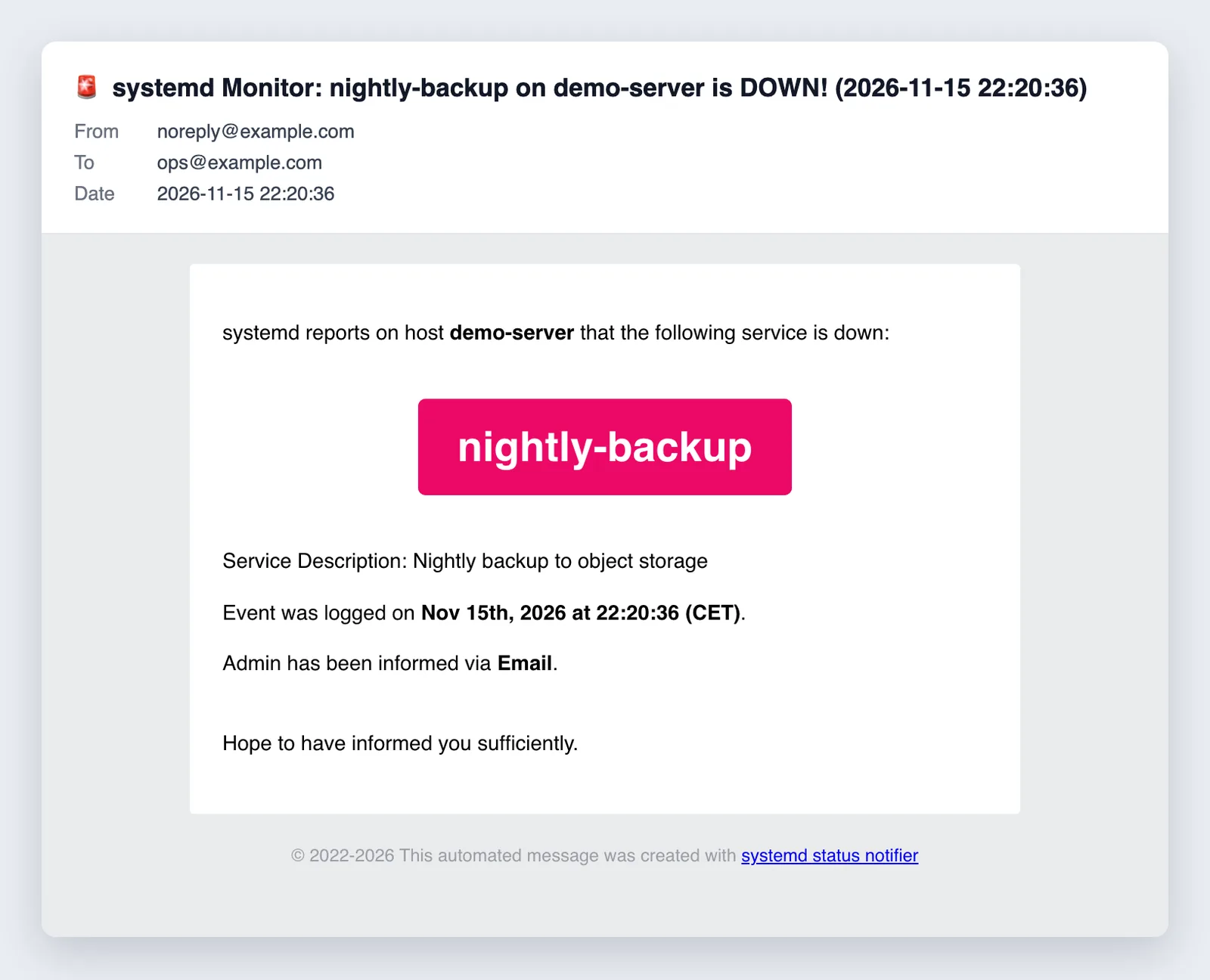
A single Bash script checks selected or all enabled services for the “failed” state and reports failures through the configured channels. Every message names host, service, description and time.
How the script works
Detect
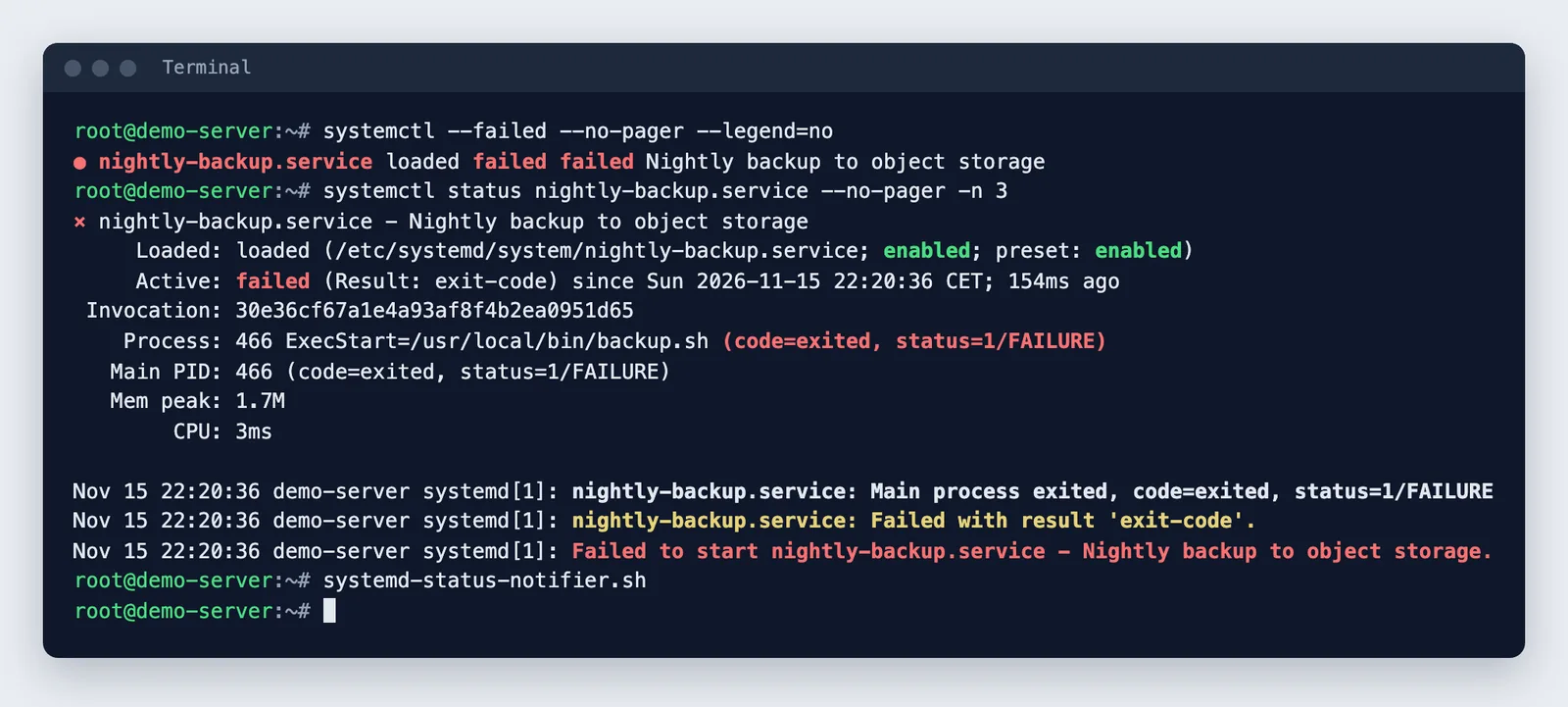
systemctl list-unit-files and systemctl is-failed check a list of services or all enabled units, with an exclusion list.
Report
HTML mail via sendmail, Slack and Mattermost via webhook, Pushover and SMS via API, PagerDuty via pd-send; every channel can be switched on separately.
Trigger
The script runs once per call and is started as a systemd service or via cron; a unit template is included.
Messages
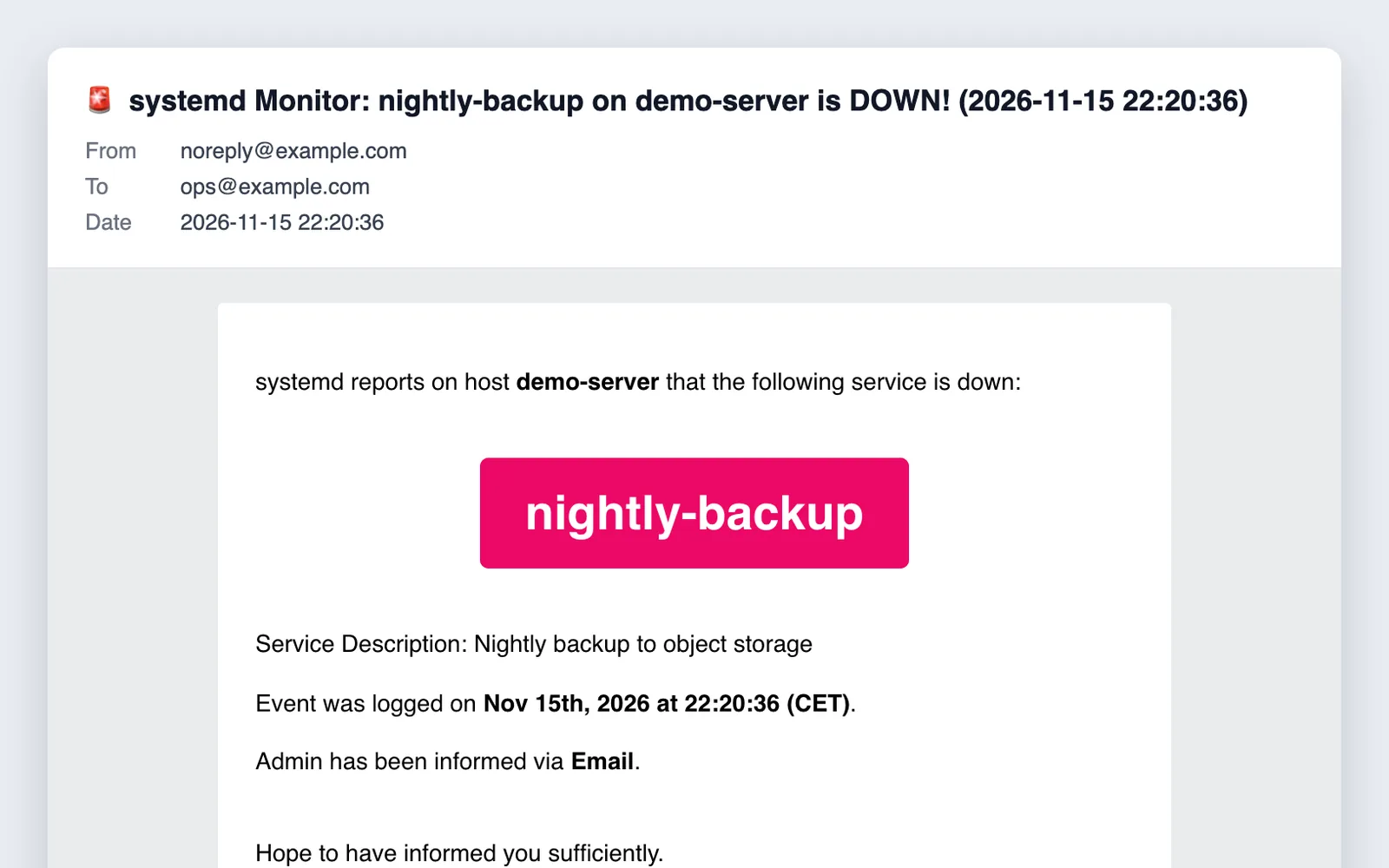
Every alert names hostname, service with description and a timestamp. Mattermost gets a Markdown table, e-mail an HTML message.
Configuration
Channels, recipients, webhooks and keys are set as variables in the script; the template contains only placeholders.
Use and licence
The script needs Bash, systemd and, for e-mail, a local mail server; the other channels go through curl, PagerDuty through pd-send. The code is on GitHub under the MIT licence.
Privacy
The script only sends failure alerts to the channels you configure.
Results
A lean watchdog for single servers that reports failures right where you will see them.
Gallery
Script output in a test environment with an example service.